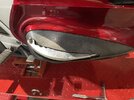
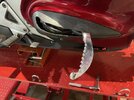
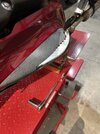
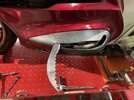
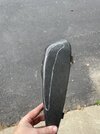
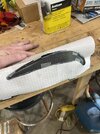
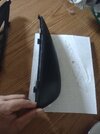
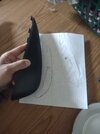
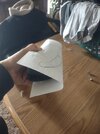
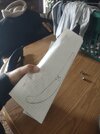
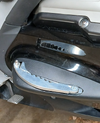
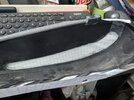
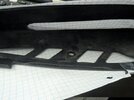
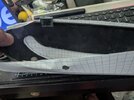
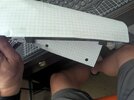
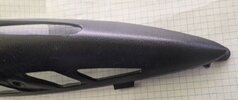
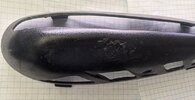
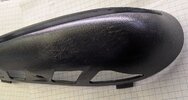
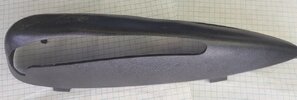
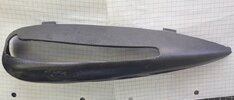
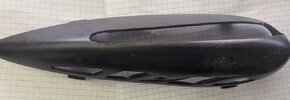
Well, here's my attempt at trying to model a 3D object in 2D. Pictures to show how I made the templates so you can cut the "swoosh" part out of the printouts, and then tape the template over the outside of the cover and trace the "swoosh" onto the cover and then cut the cover. I traced the factory cutouts and the bolt hole to help align the template the best you can. There are bracket like marks on the paper to align and tape to the top tabs.
For reference the graph paper is 4x4 graph ruled 8.5x11, squares are 1/4 inch x 1/4 inch.
EDIT: I did a test print and dimensionally they aligned, you'll just have to trim off the "blank" area along the "brackets" on the paper with scissors or a paper cutter.
For reference the graph paper is 4x4 graph ruled 8.5x11, squares are 1/4 inch x 1/4 inch.
EDIT: I did a test print and dimensionally they aligned, you'll just have to trim off the "blank" area along the "brackets" on the paper with scissors or a paper cutter.
Attachments
-
Left Cover.PDF968.5 KB · Views: 36
-
 wrapped.jpg100 KB · Views: 58
 -
 R2.jpg134 KB · Views: 56
 -
 R1.jpg109.4 KB · Views: 49
 -
 L2.jpg118.2 KB · Views: 50
 -
 L1.jpg109.4 KB · Views: 54
 -
 Burrito.jpg101.6 KB · Views: 61
 -
Right Cover.PDF1,006 KB · Views: 17
-
 1.jpg55.5 KB · Views: 43
 -
 2.jpg58.7 KB · Views: 43
 -
 3.jpg89.5 KB · Views: 43
 -
 4.jpg102.6 KB · Views: 43
 -
 5.jpg61.9 KB · Views: 41
 -
 6.jpg80.6 KB · Views: 40
 -
 7.jpg59.4 KB · Views: 59
Last edited: